Quote status
See whether the customer is new, quoted, accepted, booked, won or lost.
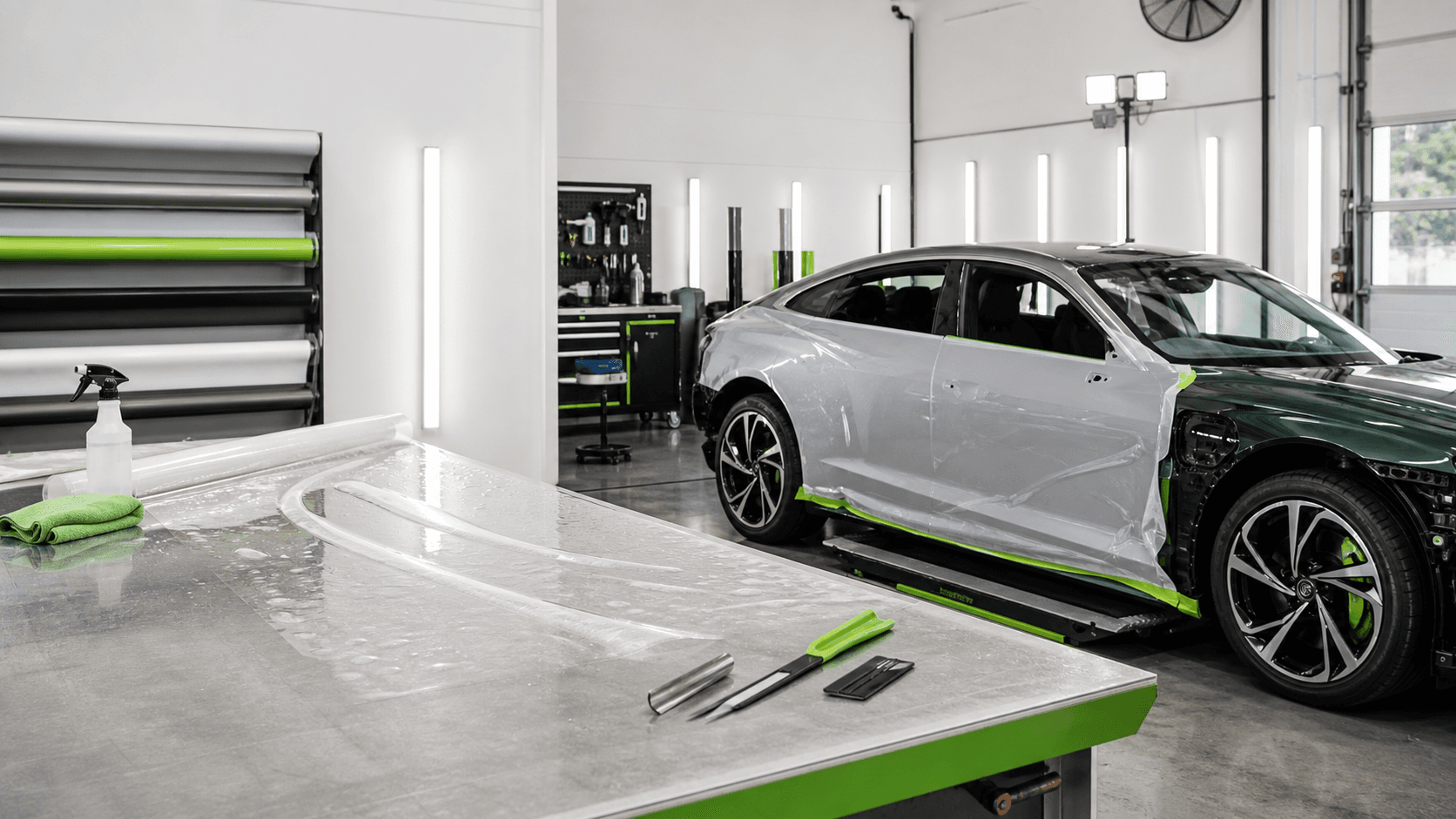

Vehicle wrap quoting software
WrapDesk connects job requirements, agreed pricing, quote status and deposit status so bookings do not depend on scattered notes or manual reminders.
Product view
The quote workflow keeps scope, vehicle details, agreed price, deposit requirement and booking intent in the same operational record.
Scope
Full colour change wrap plus ceramic coating
Vehicle
2022 Tesla Model 3, black
Deposit
Required before install slot is held
Available nowBalance
Shown against pickup and completion
Available nowQuote context
The quote should carry the customer, vehicle and required work forward instead of forcing staff to rebuild the same context in a document or text message.
Why it matters
A visible deposit workflow helps the shop know whether a booking is serious. WrapDesk keeps deposit, balance and invoicing context connected to the job.
See whether the customer is new, quoted, accepted, booked, won or lost.
Keep deposit requirements and payment status visible before the booking is treated as locked in.
Keep final payment context attached to the job record.
FAQ
Yes. WrapDesk is built around a quote-to-deposit workflow so deposit status, balance context and booking intent stay connected.
No. WrapDesk keeps quote, deposit, balance and job-payment context connected to the operational workflow. It should not be described as a full accounting replacement.
Next step
Keep every enquiry, quote, booking, installer handoff, update and payment context in one place.