Job scheduling
Organise dates, vehicle requirements, assigned people and job status in one operational record.
See wrap shop scheduling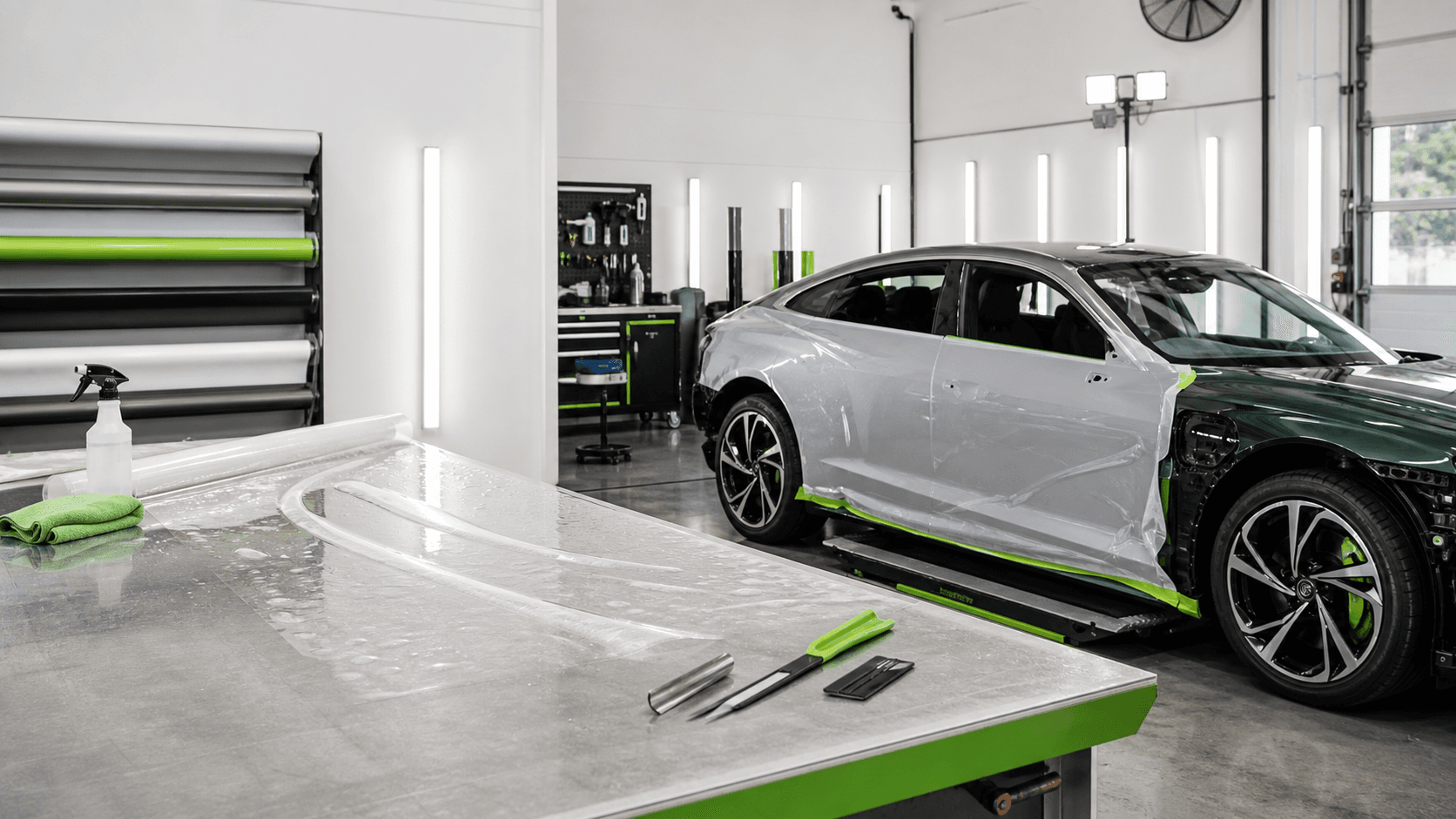

Practical guide
A booking needs more than a date. It should include the customer, vehicle, required work, deposit status, installer responsibility, prep time, install time and pickup plan.
The calendar can show when work happens, but the job record should hold the details the team needs to deliver it properly. A calendar entry that says 'Ranger wrap' is not enough when staff need the customer's details, vehicle photos, film requirements, deposit status, installer notes and pickup plan.
A clean booking includes more than installation time. Record preparation, customer drop-off, installer responsibility, curing or finishing time, completion checks and customer pickup. If pickup is treated as an afterthought, the shop can finish the work and still create confusion at the front counter.
Duplicate calendar entries and missing job notes create avoidable confusion. Use one source of truth and link updates back to the job. If the team changes a date in the calendar but not in the job record, the installer, customer and admin person may all be working from different versions of the truth.
Customer updates should be connected to the booking so staff can see what has already been said and what still needs to be confirmed. A useful booking workflow answers: has the customer paid the deposit, do they know drop-off time, do they know pickup timing and has the balance been explained?
If subcontractors or freelance installers are involved, the booking should show who is responsible for which part of the job. 'Installer booked' is too vague when one person is handling PPF, another is handling tint and the shop team is handling prep and pickup.
A strong booking record might say: '2024 Ford Ranger, full commercial fleet wrap, white vehicle, artwork approved, deposit received, Bay 2, Monday-Wednesday, shop prep Monday morning, installer Jai Tuesday-Wednesday, pickup Thursday 3 pm, balance due before release.' That single record is far more useful than three disconnected calendar notes.
WrapDesk is built to keep the booking connected to the customer, vehicle, quote, deposit, assigned people and job status. That means the calendar is not asked to do a job it was never designed to do.
Organise dates, vehicle requirements, assigned people and job status in one operational record.
See wrap shop schedulingKeep booking intent connected to quote status and deposit requirements.
See quote-to-deposit workflowFAQ
Include the customer, vehicle, required work, photos, deposit status, assigned people, prep time, install time, pickup plan and current job status.
Use the calendar for dates, but keep the full job record in a system that also stores vehicle details, quotes, deposits, installer responsibility and customer updates.
Next step
Keep every enquiry, quote, booking, installer handoff, update and payment context in one place.